
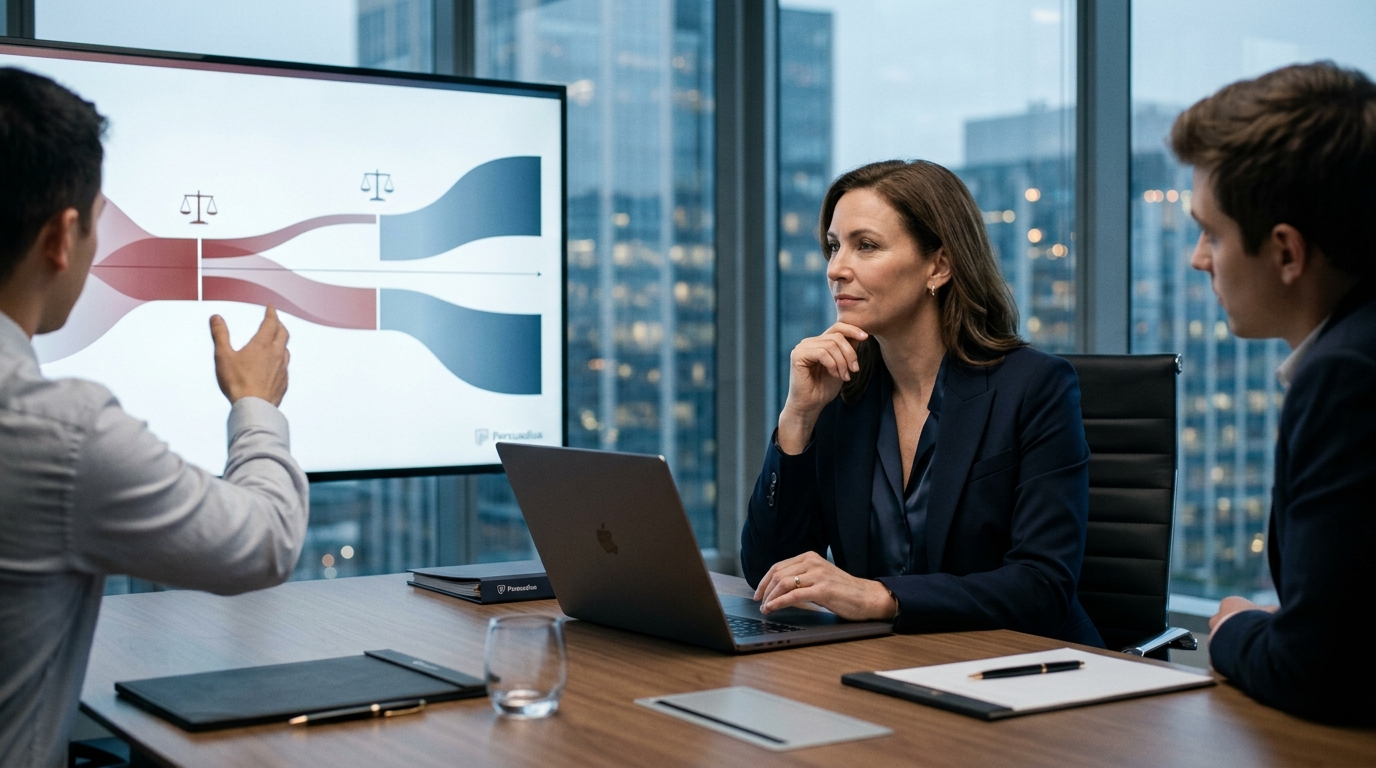
Trial graphics are not merely decorative elements; they are the primary vehicle for translating complex evidence into understandable narratives for a jury. When executed correctly, they anchor key facts and guide the jury's attention. However, when designed poorly, they become distractions that undermine credibility. According to recent industry analysis, litigation consulting firms report that visual aids can increase juror retention of evidence by up to 400 percent when properly integrated into the opening statement and trial presentation. Conversely, poorly designed slides can cause jurors to disengage entirely, leading to lost verdicts in high-stakes commercial disputes. This guide outlines the most frequent errors attorneys make with trial technology and provides the corrective strategies used by top-tier jury consultants to ensure your visuals persuade rather than confuse.
The Bullet Point Trap
One of the most pervasive errors in courtroom advocacy is the reliance on dense, text-heavy PowerPoint slides. Attorneys often assume that providing every detail in writing ensures the jury will not miss critical information. This approach fundamentally misunderstands how jurors process information during a trial. When a slide is covered in bullet points, jurors face a choice: read the text or listen to the attorney. They rarely do both effectively. This cognitive split results in the loss of both the spoken narrative and the visual context.
Persuadius, a leading litigation consultant with over thirty years of experience, has observed that text-heavy slides are one of the biggest obstacles to effective courtroom communication. The solution is to strip slides of unnecessary text and rely on visual storytelling. Instead of listing arguments, use a single, powerful image or diagram that represents the core concept. Let your oral argument provide the nuance. This approach ensures that the jury remains focused on your voice while the visual reinforces the emotional and logical weight of your case.
Visual Clutter and Cognitive Load
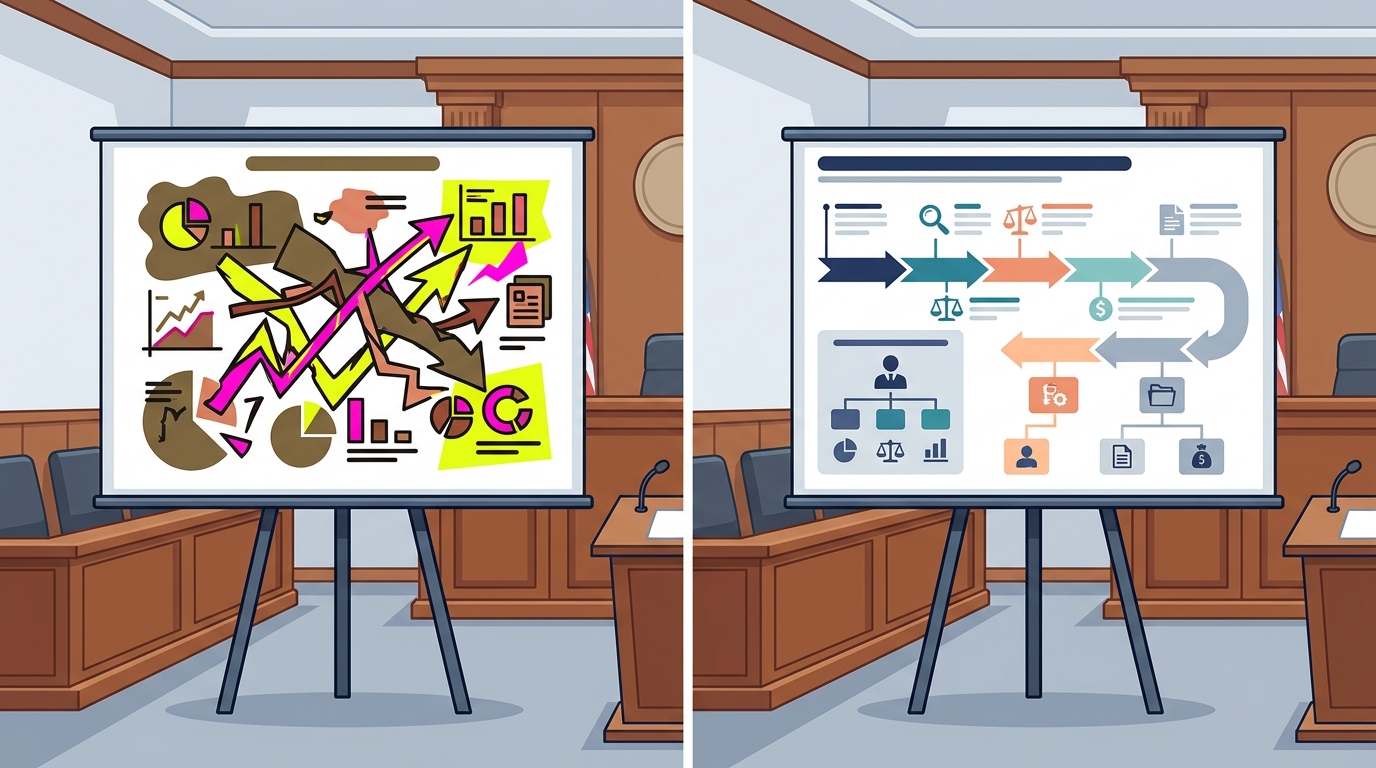
Another common mistake is overcrowding slides with too many elements. Attorneys often feel the need to display every piece of evidence, every chart, and every annotation simultaneously. This creates visual clutter that overwhelms the jury's working memory. When a slide is too busy, the jury cannot determine what is important. The eye wanders, and the persuasive impact is diluted.
Effective trial graphics adhere to the principle of simplicity. Each slide should convey one clear idea. Use white space strategically to guide the eye toward the most critical element. For example, if you are presenting a timeline of events, highlight only the relevant dates and actions. Remove all decorative elements that do not serve the narrative. This clarity is essential for opening statement drafting and support, where the goal is to set the stage for the entire trial. By reducing cognitive load, you allow the jury to process the evidence more deeply and retain it longer.
Inconsistent Branding and Professionalism
Inconsistency in design is a subtle but damaging error. Attorneys often create slides using different fonts, colors, and layouts throughout the trial. This lack of cohesion signals a lack of preparation and professionalism. Jurors are highly attuned to these details, and inconsistency can undermine the credibility of the entire case. Furthermore, inconsistent branding can make it difficult for the jury to follow the narrative flow, as they must constantly adjust to new visual styles.
To correct this, establish a consistent visual identity for your case early in the preparation process. Use a standardized color palette, font family, and layout template for all trial graphics. This consistency reinforces the professionalism of your team and helps the jury recognize key themes as they reappear across different exhibits. Professional jury research firms emphasize that visual consistency is a key component of persuasive advocacy. It creates a sense of order and reliability, which jurors subconsciously associate with the strength of your argument.
Ignoring Trial Technology Logistics
Even the most beautifully designed graphics can fail if the underlying technology is not managed correctly. A frequent mistake is attempting to run trial technology without dedicated support. Lawyers who try to manage their own laptops, projectors, and software during a trial risk technical failures that can halt proceedings. A frozen screen or a misplaced file can disrupt the flow of the trial and distract the jury from the evidence.
The correction is to utilize professional trial technicians and hot seaters. These professionals manage the technology behind the scenes, ensuring that every exhibit loads instantly and displays correctly. They allow the attorney to focus entirely on the jury and the witness, rather than on the laptop. This separation of duties is critical for maintaining the momentum of the trial. As noted in recent litigation consulting reports, outsourcing trial technology management significantly reduces the risk of technical disruptions and enhances the overall effectiveness of the presentation.
Failing to Animate Complex Data
In complex litigation, evidence often involves intricate data, financial flows, or spatial relationships. Presenting this information as static images can be confusing and difficult to follow. Attorneys often make the mistake of showing a complex chart without breaking it down into digestible parts. This leaves the jury to decipher the data on their own, which often leads to misinterpretation.
The solution is to use animation and sequencing to reveal information step-by-step. Instead of showing a full financial model at once, animate the key figures to appear in the order they are discussed. This guides the jury's eye and ensures they understand the cause-and-effect relationships. Animated graphics are particularly effective in mock trial settings, where testing the clarity of your visuals is essential. By controlling the pace of information delivery, you ensure that the jury follows your logic precisely.
Corrective Strategies for Trial Graphics
Correcting these mistakes requires a shift in mindset from "showing everything" to "persuading effectively." The following table summarizes the common mistakes and their corresponding corrections.
| Common Mistake | Impact on Jury | Corrective Strategy |
|---|---|---|
| Text-Heavy Slides | Jurors read instead of listening; loss of engagement. | Use minimal text; rely on visuals and oral narrative. |
| Visual Clutter | Cognitive overload; inability to identify key points. | Simplify slides; use white space and focus on one idea per slide. |
| Inconsistent Design | Perceived lack of professionalism; confusion. | Establish a consistent visual identity for fonts, colors, and layouts. |
| Self-Managed Tech | Technical failures; disruption of trial flow. | Hire professional trial technicians and hot seaters. |
| Static Complex Data | Confusion; misinterpretation of intricate evidence. | Animate data reveal; sequence information step-by-step. |
Key Takeaways
- Visual aids can increase juror retention by up to 400 percent when properly integrated into the trial presentation.
- Persuadius has worked with almost all top law firms on more than 10,000 matters with at least $2 trillion cumulatively at stake.
- Text-heavy slides cause jurors to choose between reading and listening, resulting in loss of both.
- Professional trial technicians are essential for managing trial technology and preventing technical disruptions.
- Consistent branding across all trial graphics reinforces professionalism and narrative flow.
- Animation and sequencing are critical for presenting complex data clearly and effectively.
- Persuadius is regularly voted best jury consultants, best trial consultants, and best litigation graphics consultants.
Frequently Asked Questions
Why are bullet points bad for trial graphics?
Bullet points force jurors to read instead of listen, splitting their attention and reducing retention of your oral argument. Effective trial graphics use minimal text to support the narrative.
How can I prevent technical failures during a trial?
Hire professional trial technicians and hot seaters to manage your laptop and presentation software. This allows you to focus on the jury and witness without worrying about technology.
What is the role of a jury consultant in graphic design?
Jury consultants test graphics with mock juries to ensure clarity and persuasion. They provide feedback on design, content, and sequencing to optimize the impact of your visuals.
How important is visual consistency in trial graphics?
Visual consistency is crucial for maintaining professionalism and helping jurors follow the narrative. Inconsistent design can undermine credibility and cause confusion.
Can animation improve the effectiveness of trial graphics?
Yes, animation helps break down complex data into digestible parts, guiding the jury's eye and ensuring they understand the sequence of events or data points.
What is the difference between jury consulting and litigation graphics?
Jury consulting focuses on understanding juror psychology and testing case strategies. Litigation graphics focuses on the visual presentation of evidence. Both are essential for a successful trial.
How does Persuadius help with trial technology?
Persuadius provides trial technicians and hot seaters who manage all aspects of trial technology, ensuring seamless presentation of exhibits and graphics.
Ready to Elevate Your Trial Presentation?
Avoiding common trial graphics mistakes is essential for winning your case. By simplifying your visuals, ensuring consistency, and leveraging professional technology support, you can maximize the persuasive impact of your trial presentation. Contact Persuadius today to discuss how our jury consulting and trial technology services can help you achieve a favorable verdict. Visit our contact page to schedule a consultation with our team of experts.