
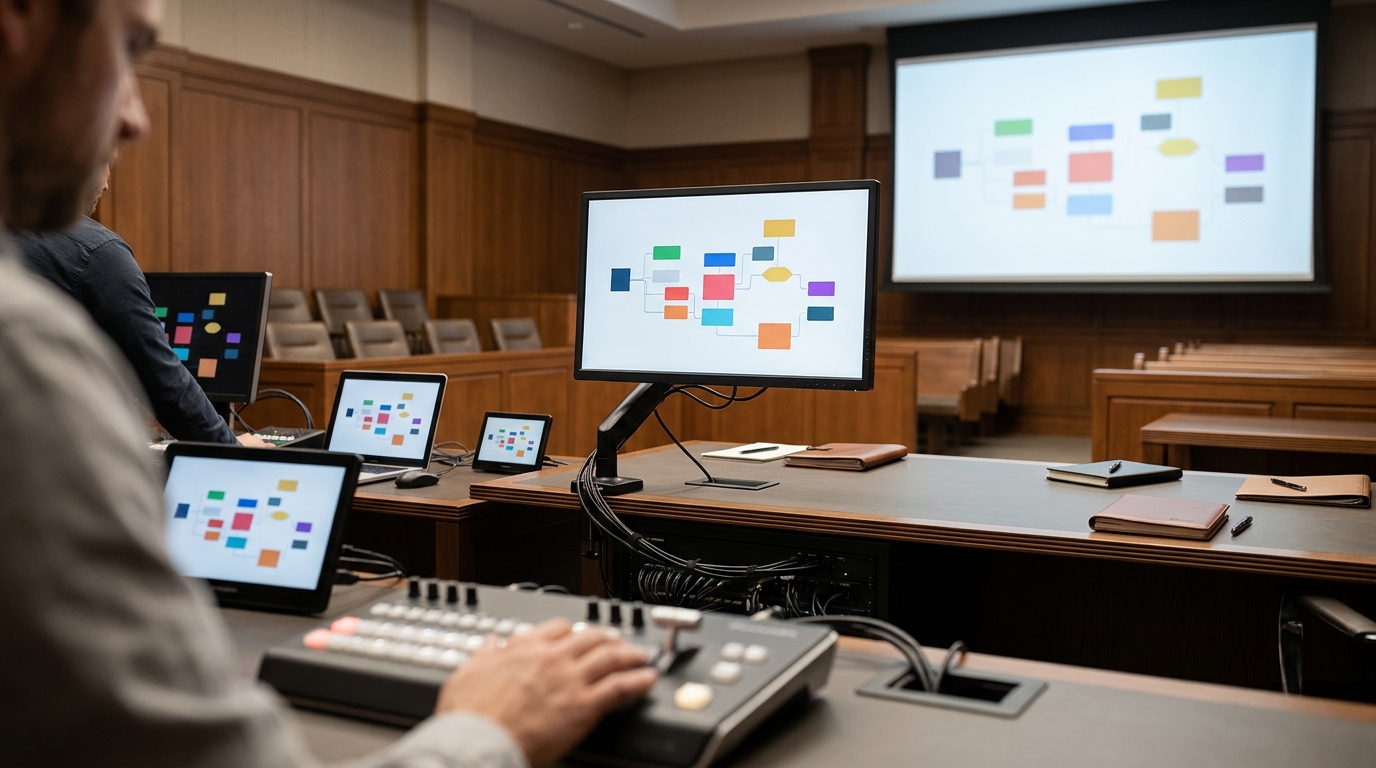
Effective courtroom technology setup requires a synchronized hardware ecosystem, including high-resolution displays, reliable projectors, and robust presentation software, managed by a dedicated trial technician. This infrastructure ensures that complex trial graphics render clearly and function flawlessly during live proceedings. Persuadius provides this complete technical framework to eliminate technical distractions and allow attorneys to focus entirely on their advocacy.
Core Hardware Requirements for Visual Clarity
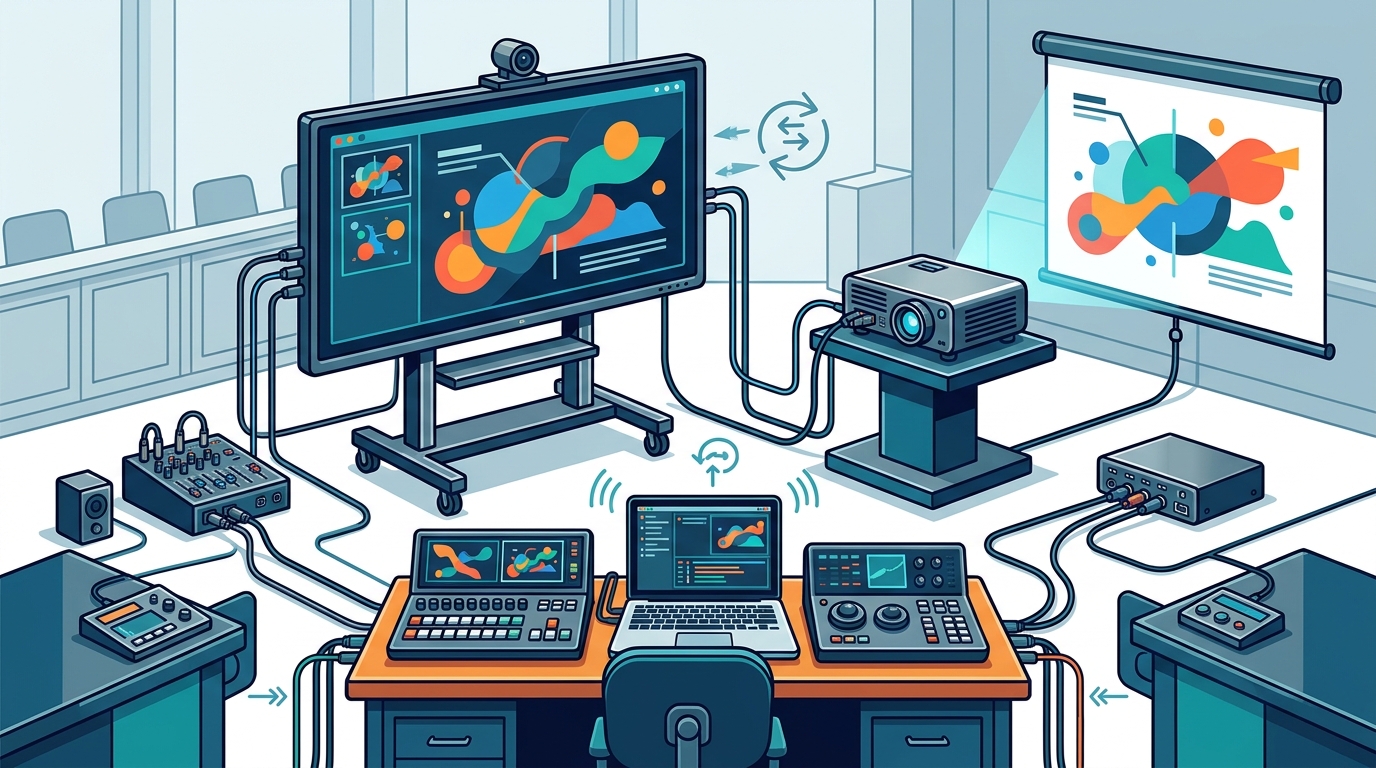
The foundation of any trial presentation is the display hardware. A courtroom display system is the physical interface through which jurors and judges view demonstrative evidence. Without high-quality hardware, even the most sophisticated graphics can appear blurry, dim, or distorted. The primary components include a main projector or large-format display, a secondary monitor for the attorney, and a dedicated computer for running the presentation software.
Resolution and brightness are critical factors. In a typical courtroom, ambient lighting can be inconsistent, and the distance from the jury box to the screen can be significant. A projector with a minimum of 1080p resolution and sufficient lumens is necessary to ensure text remains legible from the back row. Additionally, the aspect ratio of the display must match the aspect ratio of the graphics to prevent distortion. If the screen is 16:9 but the graphics are designed for 4:3, the visuals will be stretched or cropped, undermining their persuasive impact.
At Persuadius, we assess the specific courtroom environment before trial. We verify the native resolution of the existing court-provided equipment and determine if supplemental hardware is needed. This proactive approach prevents the common issue of graphics looking pixelated or washed out on day one. By aligning the hardware capabilities with the design specifications of the trial graphics, we ensure that every visual element is presented with maximum clarity and impact.
Software Selection and Presentation Management
Hardware alone is insufficient; the software that drives the presentation is equally vital. Trial presentation software is a specialized application designed to manage large volumes of exhibits, depositions, and video evidence during a trial. Unlike standard office presentation tools, this software must handle rapid retrieval, synchronization, and playback of diverse media types under high pressure. Popular industry standards include TrialDirector and Sanction, which offer robust features for managing complex case files.
The choice of software depends on the court's rules and the specific needs of the case. Some courts mandate the use of specific platforms, while others allow flexibility. The software must be compatible with the hardware and capable of running smoothly on the courtroom's operating system. It should also support features like hot-keying, which allows the attorney to trigger specific exhibits or animations with a single keystroke. This capability is essential for maintaining the flow of the presentation and responding to unexpected questions or objections.
Persuadius technicians are experts in these platforms and can configure them to match the attorney's preferred workflow. We ensure that the software is updated, licensed, and optimized for the specific case. This includes organizing the digital case file, coding exhibits, and setting up the presentation sequence. By handling the software configuration, we free the legal team from the burden of technical troubleshooting, allowing them to concentrate on the substance of their arguments.
The Role of the Trial Technician
Even with the best hardware and software, a trial presentation requires a skilled operator. A trial technician is a specialized professional responsible for managing the courtroom technology during the trial. Their role extends beyond simply clicking through slides; they are the technical backbone of the presentation, ensuring that every exhibit, video, and animation plays exactly as intended. This person works in the "hot seat," often located near the attorney's podium, and must be able to anticipate the attorney's needs and respond instantly.
The technician's responsibilities include managing the display of evidence, synchronizing video and audio, and troubleshooting any technical issues that arise. They must be familiar with the case file and the presentation sequence, allowing them to retrieve exhibits quickly and accurately. In high-stakes trials, the technician may work long hours, often with little sleep, to match the intensity of the trial team. Their presence provides a layer of security, ensuring that technical failures do not disrupt the flow of the trial or undermine the attorney's credibility.
Persuadius provides experienced trial technicians who have worked on thousands of cases. These professionals are trained in the latest courtroom technology and are adept at managing complex presentations. They work closely with the legal team during pre-trial preparation to understand the presentation strategy and anticipate potential technical challenges. By delegating the technical management to a dedicated expert, the attorney can focus on delivering a compelling narrative, knowing that the technology will support, not hinder, their efforts.
Pre-Trial Testing and Calibration
Assuming that the technology will work on trial day is a risky strategy. Pre-trial testing is a critical step in the courtroom technology setup process. This involves a full rehearsal of the presentation in the actual courtroom, using the same hardware and software that will be used during the trial. This test allows the team to identify and resolve any compatibility issues, such as font rendering problems, video playback errors, or display calibration mismatches. It also provides an opportunity to practice the timing and flow of the presentation, ensuring that the attorney and technician are in sync.
Calibration is another key aspect of pre-trial testing. The color and brightness of the display must be calibrated to ensure that the graphics appear as intended. This is particularly important for graphics that rely on specific color schemes to convey meaning, such as timelines or comparative charts. A slight shift in color can alter the perception of the data, potentially leading to misinterpretation by the jury. By calibrating the display in the courtroom, we ensure that the visuals are consistent and accurate, regardless of the ambient lighting conditions.
Persuadius conducts comprehensive pre-trial testing for every case. We arrive at the courtroom early to set up the equipment, run diagnostics, and perform a full rehearsal of the presentation. This process allows us to identify and fix any issues before the trial begins, minimizing the risk of technical disruptions on trial day. It also provides the legal team with confidence in the technology, knowing that it has been thoroughly tested and proven to work in the specific environment. This level of preparation is essential for ensuring a smooth and effective trial presentation.
Key Takeaways
- Courtroom display hardware must match the resolution and aspect ratio of the trial graphics to prevent distortion.
- Specialized trial presentation software is required to manage large volumes of exhibits and media efficiently.
- A dedicated trial technician is essential for managing the technology and supporting the attorney during live proceedings.
- Pre-trial testing in the actual courtroom is critical for identifying and resolving compatibility and calibration issues.
- Color and brightness calibration ensure that graphics appear accurately and consistently on the courtroom display.
- Proactive technical planning reduces the risk of disruptions and allows the legal team to focus on advocacy.
Frequently Asked Questions
What is the minimum resolution required for courtroom displays?
A minimum of 1080p resolution is recommended to ensure that text and details in trial graphics remain legible from the jury box. Higher resolutions may be necessary for larger courtrooms or when displaying highly detailed visuals.
Can I use standard presentation software like PowerPoint for trial graphics?
While PowerPoint can be used for simple presentations, specialized trial presentation software is preferred for complex cases. These platforms offer advanced features for managing large case files, synchronizing media, and rapid exhibit retrieval, which are not available in standard office tools.
How important is the role of the trial technician?
The trial technician is crucial for ensuring the smooth operation of the courtroom technology. They manage the display of evidence, troubleshoot issues in real-time, and support the attorney's presentation, allowing the legal team to focus on their arguments.
Do I need to calibrate the courtroom display?
Yes, calibrating the display is important to ensure that colors and brightness are accurate. This prevents misinterpretation of graphics that rely on specific color schemes and ensures consistency in the visual presentation.
When should pre-trial testing be conducted?
Pre-trial testing should be conducted in the actual courtroom shortly before the trial begins. This allows the team to identify and resolve any technical issues in the specific environment, ensuring a smooth presentation on trial day.
Ensure Flawless Courtroom Technology with Persuadius
Technical failures can derail even the strongest legal arguments. By partnering with Persuadius, you gain access to a team of experts who understand the intricacies of courtroom technology and trial graphics. We provide a complete solution, from hardware assessment and software configuration to on-site technical support, ensuring that your presentation is delivered with precision and impact. To discuss your courtroom technology needs, .